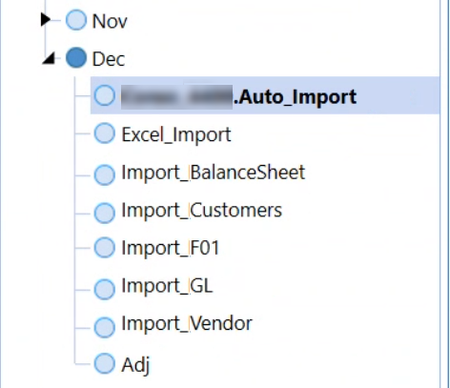
NicolasArgente was close. I'm not certain on the exact line of code. There is not a specific API to refresh the application, that is controlled and/or locked down by the platform. But, my Workspace is indeed updating the Workflow statuses and showing the green check marks in my WFPOV.
selectionChangedTaskResult.WorkflowWasChangedByBusinessRule = True
selectionChangedTaskResult.IsOK = True
selectionChangedTaskResult.ShowMessageBox = True
So the only line that is new is the ShowMessageBox = True. I don't have the ChangedUIAction=Refresh API code that you are attempting to do. From what I'm seeing in your code above. You are not showing the 'how' you are setting the step completion. If some of those Import steps taking minutes, then they will be running in the background and won't immediately show the green check-mark. In my case, I get a series of notifications that the Background Task is Completed, then the green checkmarks start to appear. So, it's sort of a timing thing and not instantaneous.
Lastly, and man this is a lot of free code to offer up Robb. Ha! I'm checking that the Workflow is Active and these are the local vars for currentWF and wfStatus:
If Not inputImportChannel.GetAttributeValue(scenTypeID,sharedConstants.WorkflowProfileAttributeIndexes.Active) = "0" Then
'Get current import WF status
Dim currentWF As WorkflowUnitClusterPk = BRApi.Workflow.General.GetWorkflowUnitClusterPk(si, inputImportChannel.Name, scenarioName, timeName)
Dim wfStatus As WorkflowInfo = BRApi.Workflow.Status.GetWorkflowStatus(si, currentWF, False)
Best regards,
Mike G
Archetype Consulting