
josrisager
4 months agoNew Contributor II
Import .CSV data source with 2 matrix
Hi. I have a .csv file that i am importing as a Matrix. I have 4 columns that each has different UD6 member. Problem is, one of the columns also have a different Account than the other 3. Can I ...
 4 months ago
Thank you for your suggestion, Marcus. I could unfortunately not get it to work.
I ended up finding another solution, posting it here in case someone else could draw inspiration :)
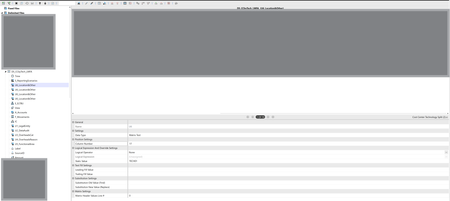
Setting the Account to a Temp static value in my data source.Using a derivative transformation rule to map the UD6 members to the correct account.
Ending with Bypassing the Temp account in my Account Transformation rule.
Thanks Again for your time!
